Utiliser l’extension Okta Chrome pour se connecter à My eXp, et au Marketing Center (Centre de marketing) ( Using the Okta Chrome extension to log in to My eXp, WorkPlace, and Marketing Center) France
1. Saisissez https://chrome.google.com/webstore/detail/okta-browser-plugin/glnpjglilkicbckjpbgcfkogebgllemb?hl=en-US dans le champ URL
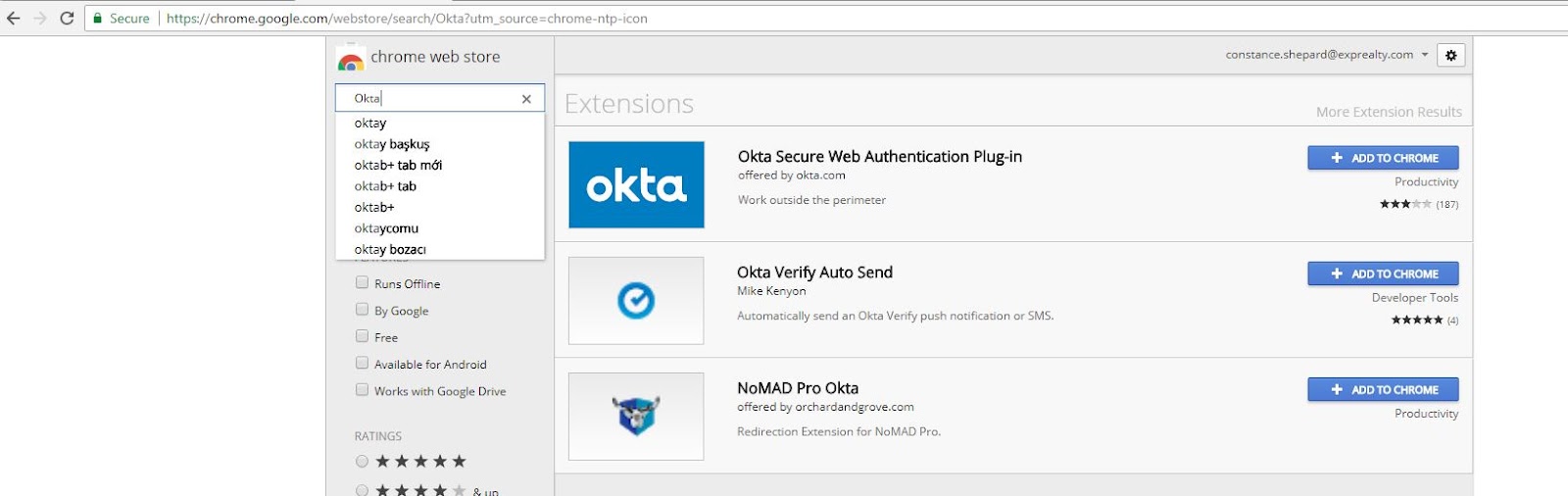
2. Trouvez l’entrée Okta Secure Web Authentication Plug-In (plug-in d’authentification Web sécurisée Okta) et cliquez sur Ajouter à Chrome.
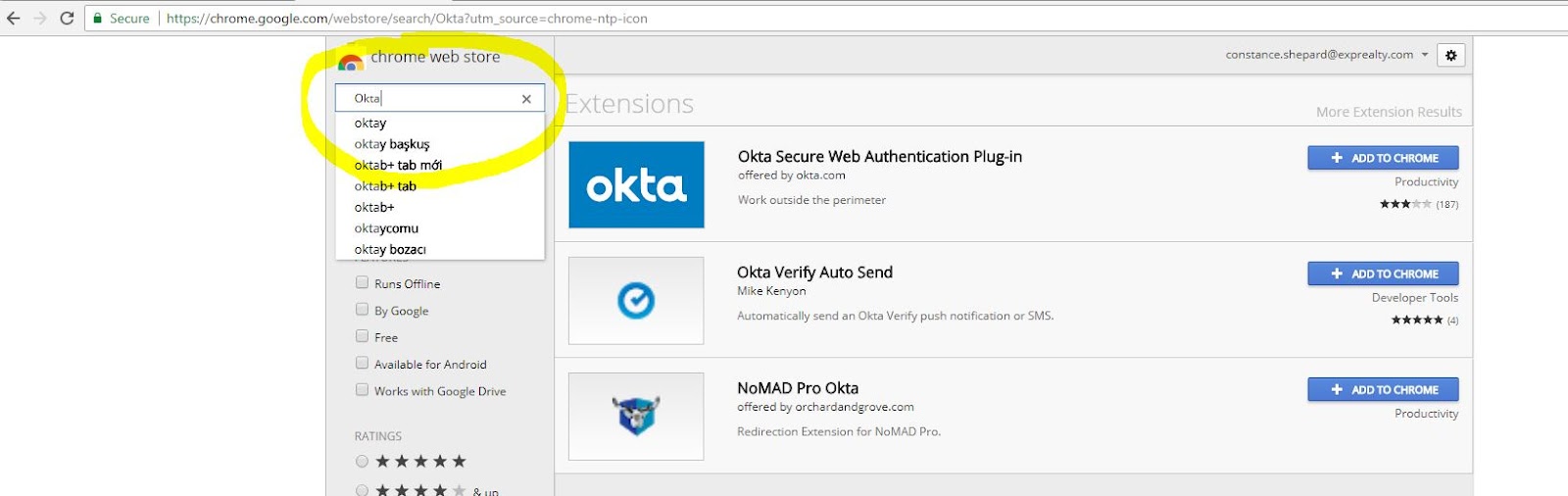
3. Trouvez l’entrée Okta Secure Web Authentication Plug-In (plug-in d’authentification Web sécurisée Okta) et cliquez sur Ajouter à Chrome
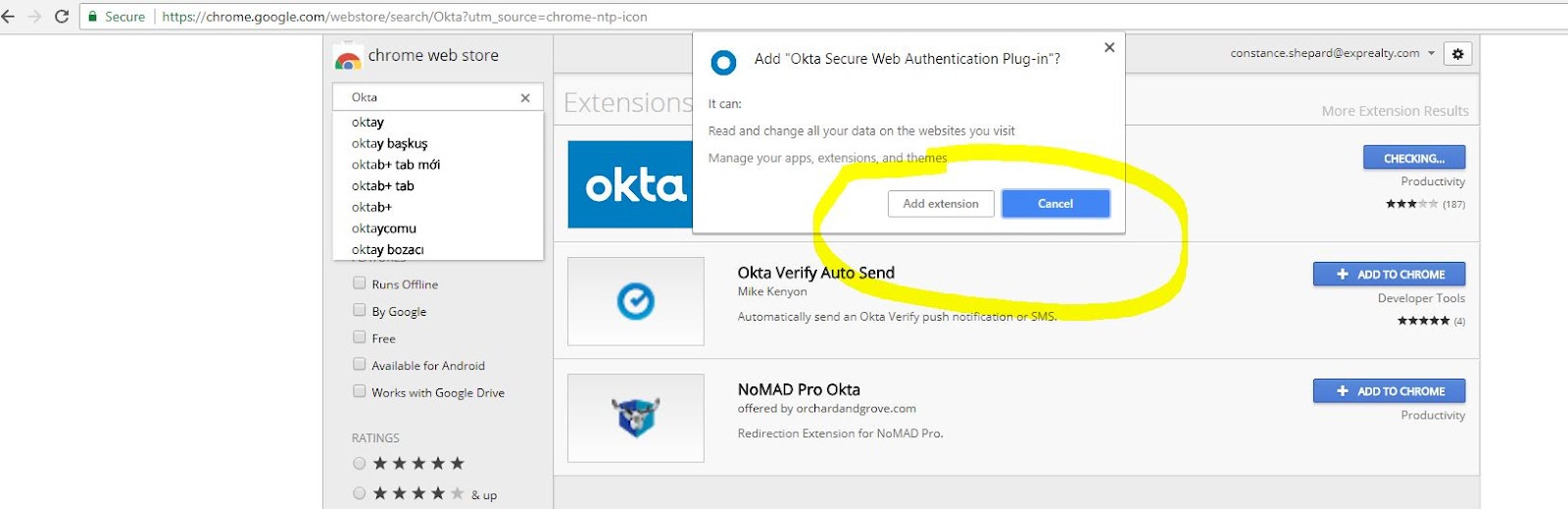
4. Les informations suivantes devraient alors s’afficher.

5. Connectez-vous à eXp Passport https://exprealty.okta.com/
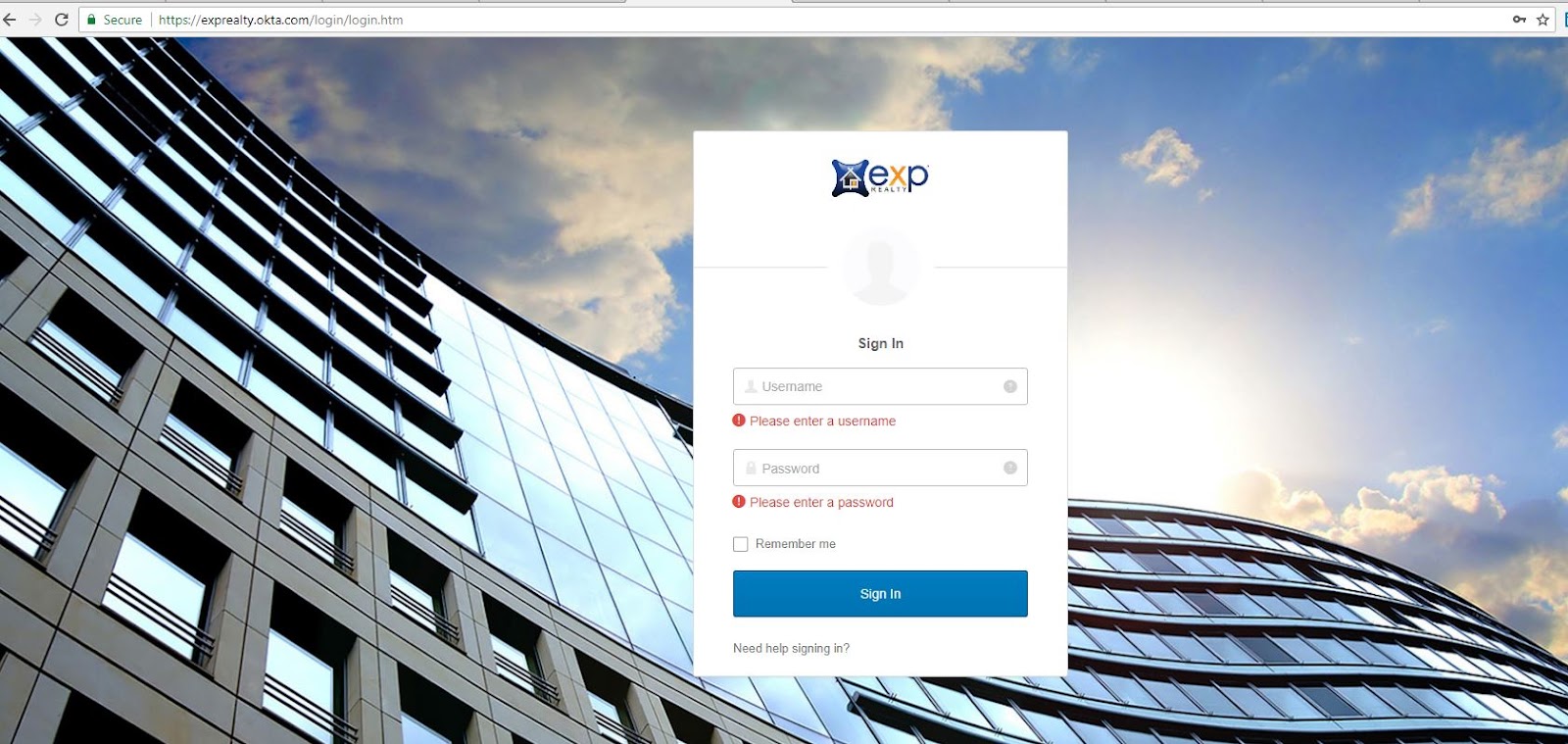
6. Cliquez sur une application pour vous connecter
